Radar

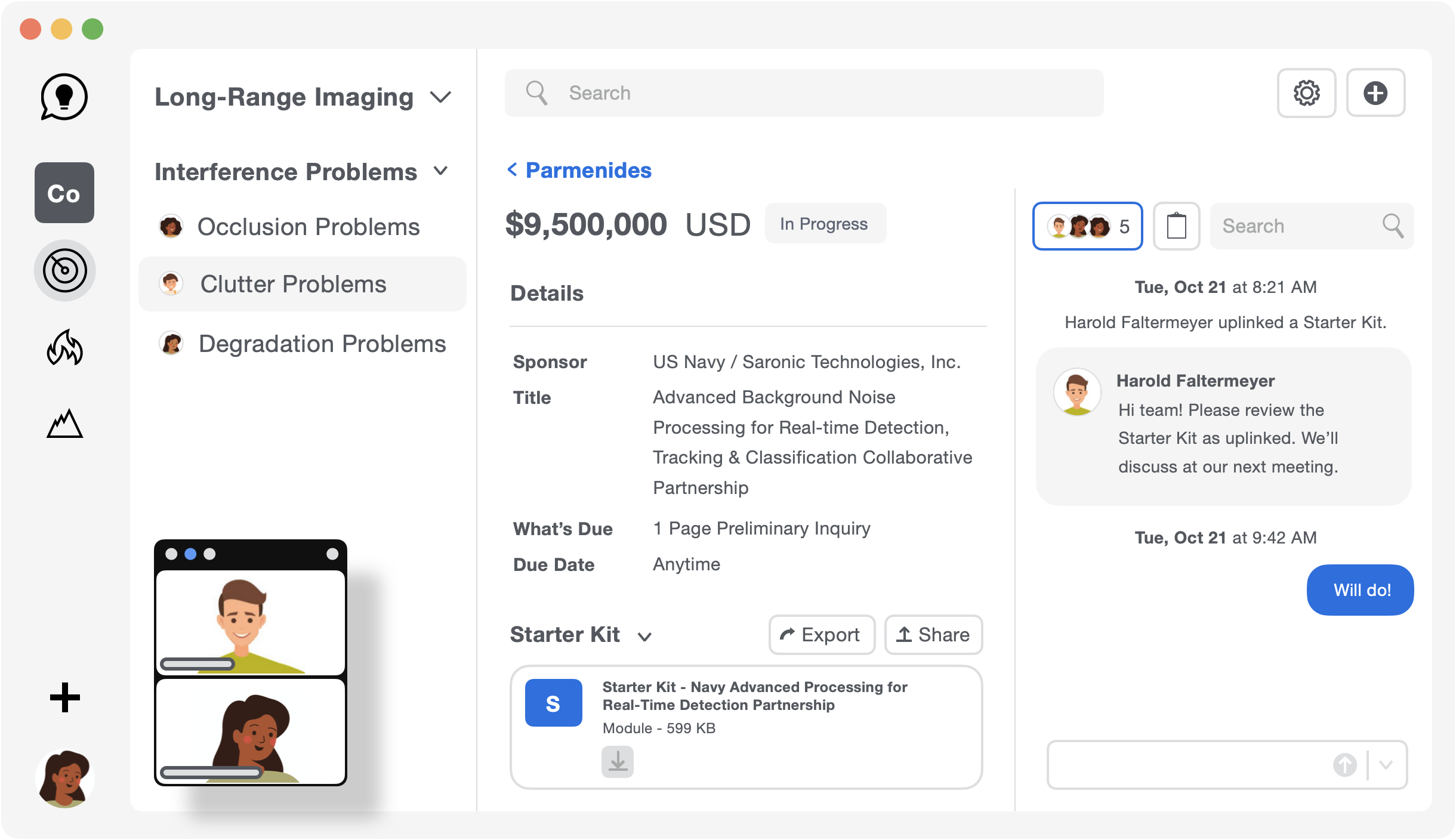
Establish a new research group, with Parmenides-grounded software.

Already have an account? Log in

Definite Performance.

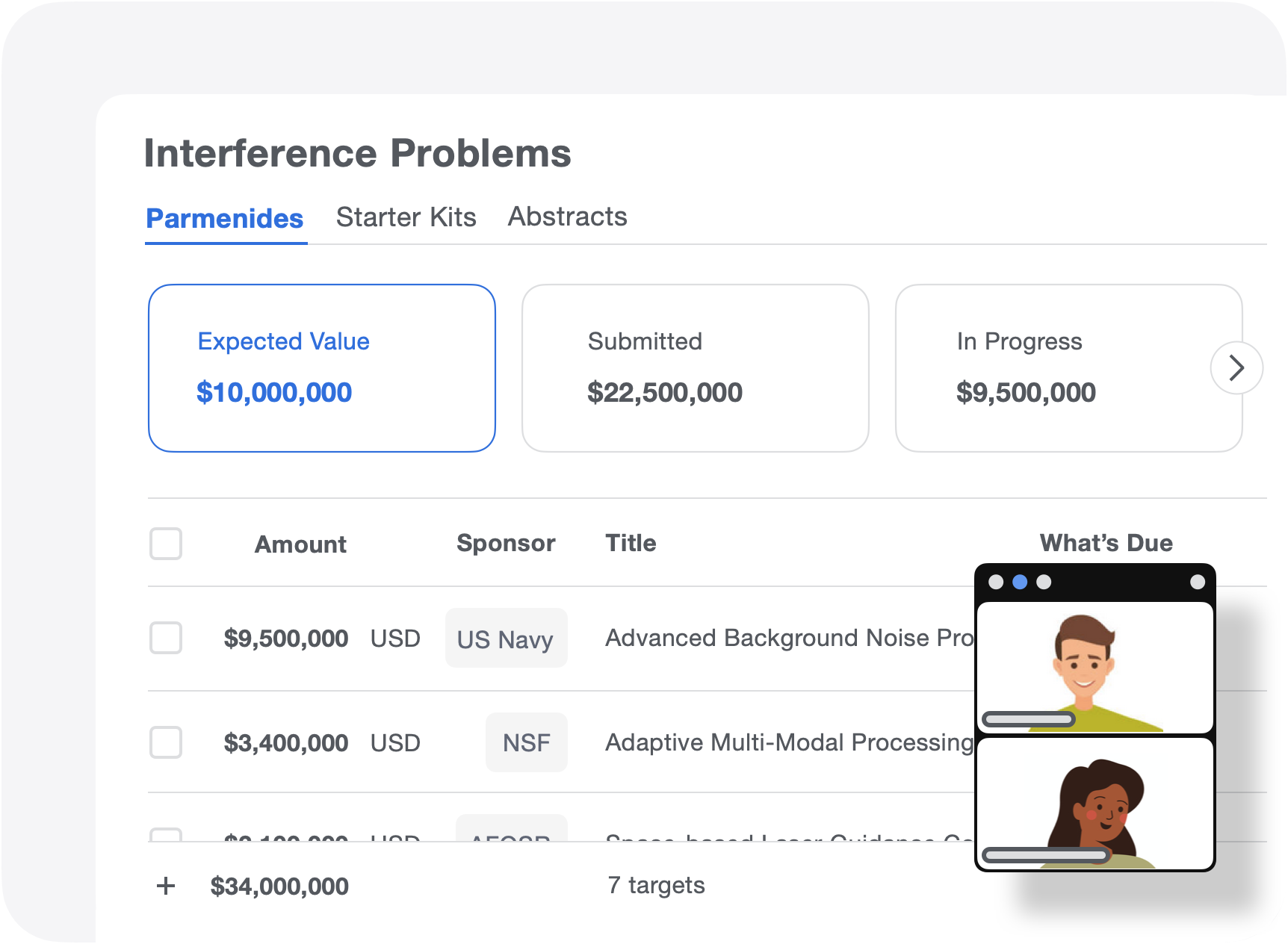
Using data-related recommendations, Radar lets you design a definite performance model (DPM) for your resource prosecution when you need to establish a new research group.

Compare plans >

Outcome Focus.

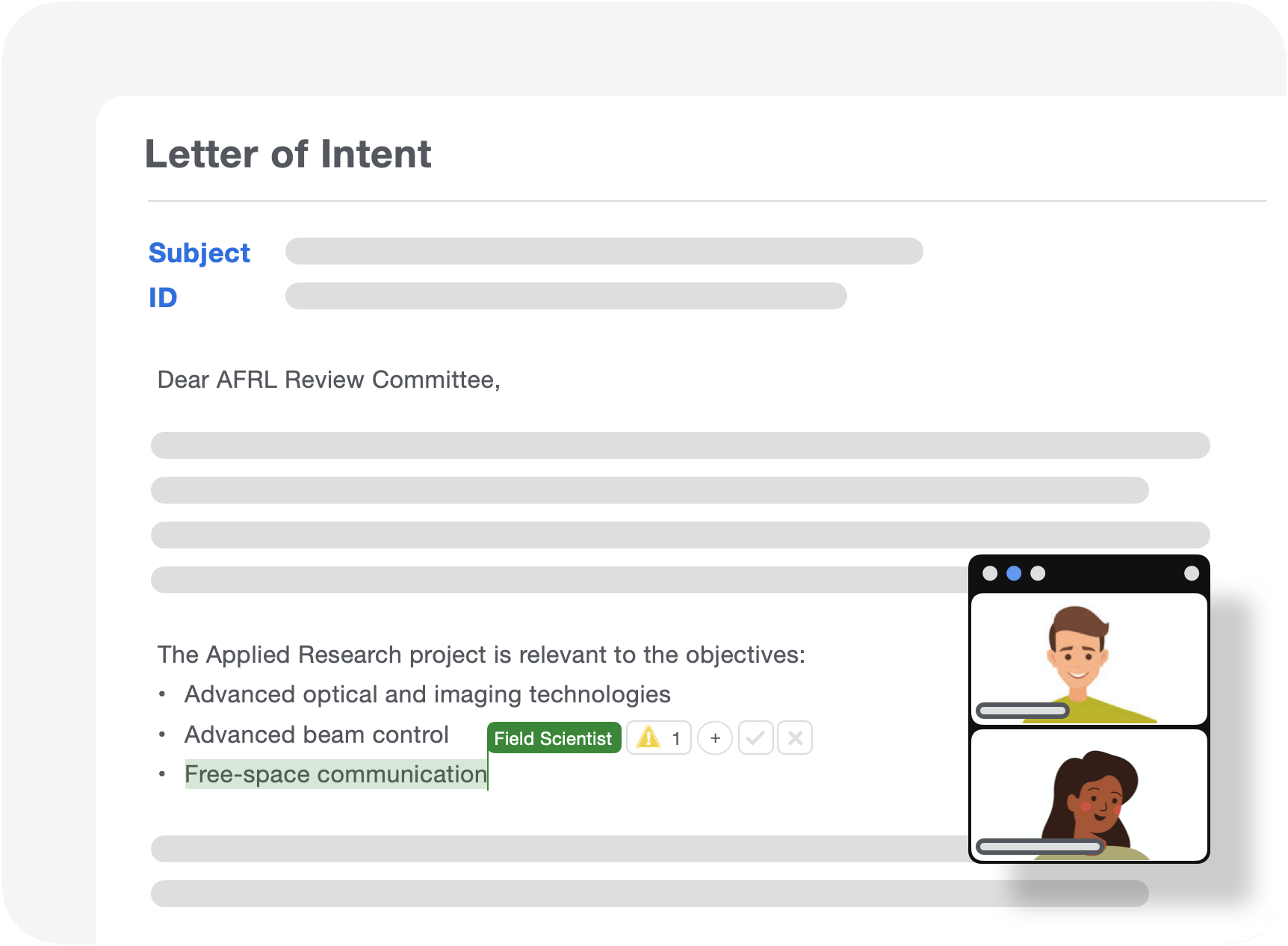
Radar can combine differential privacy with computational word representation to make your research lexicography even more compelling, significantly enhancing your Lab's effectiveness when you need to get to a yes,
Compare plans >

Non-Categorical Awareness.

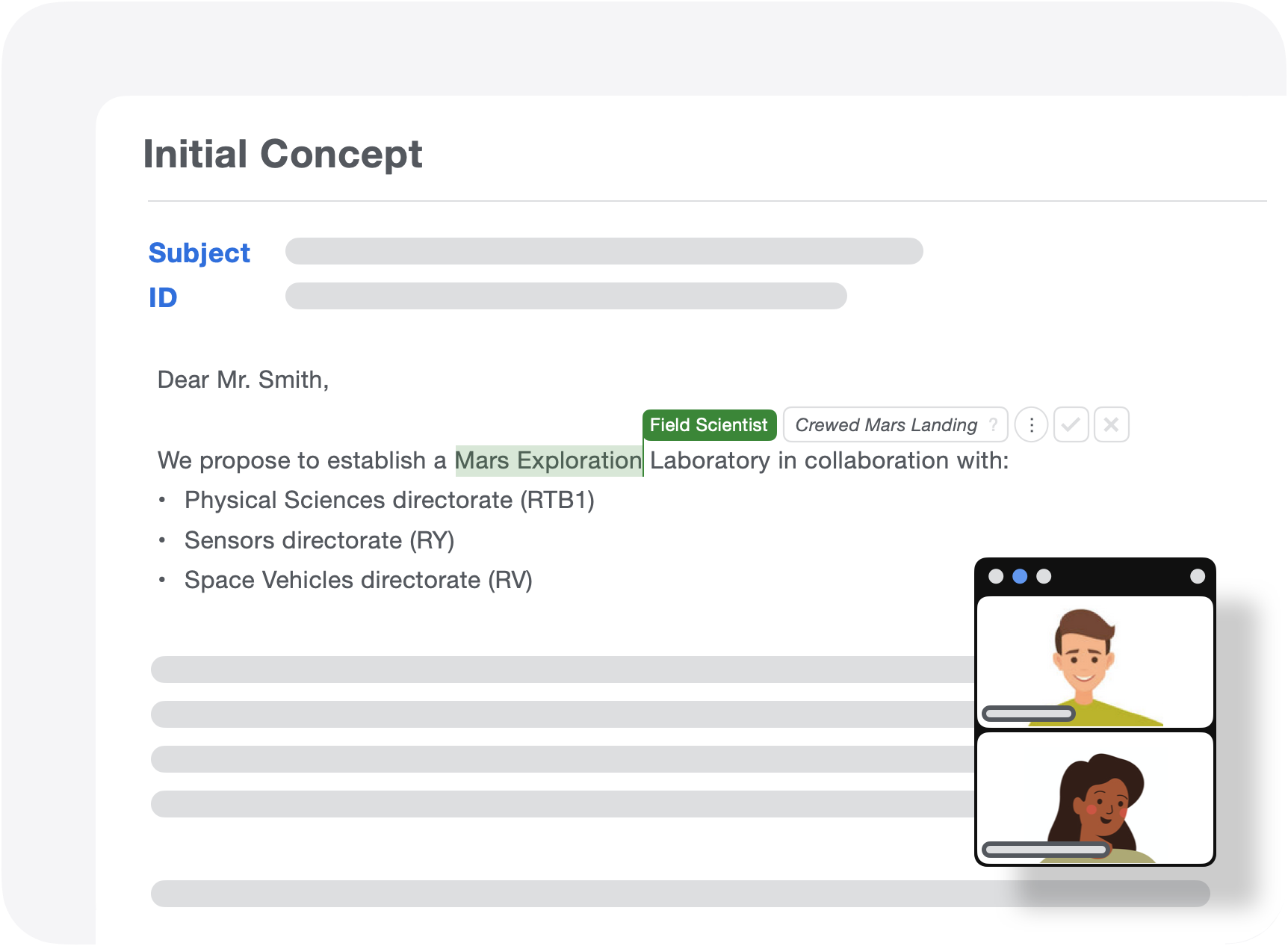
Radar can distinguish when your research efforts venture into new territory and systematically address the next step before others have a chance to saturate your area. Once you're recognized as the leader, the emphasis switches to bettering your best.

Compare plans >

Simple steps to
get started.

Find your perfect fit
Choose you best fit model.

Work backwards from goals to expectations - based on your perspective of the new research group - to get exactly what you want.

Dig into the details
Dig into the details.

Check out what's up and coming. Then, breakdown the effort for the next submission.

Team up with ease
Focus on alignment.

Get across our technical insight first, resource-need subsequent.

Send a summary
Send it.

Push into the world your new research group and their leadership. Maintain the follow-up.

Establish your new research group.

Still have questions? Email us at support@tabaapp.com

Questions? Answers.

Do I need to pay for Radar?

Taba RadarTM software application is available for Laboratories at various plans depending on their needs. You can get started and select which plans works for you at https://get.tabaapp.com/radar-compare

How do I get access Radar?

If you already have a Taba Account, go to the Login page at https://www.tabaapp.com and enter your login credentials. If you don't have a Taba Account, select the Radar plan that best fits your needs at https://get.tabaapp.com/radar-compare. You can email support@tabaapp.com if you have any issues.

How do I update my research areas?

You can update your research areas in Radar by logging in and going to your profile. On your profile, you can edit your research areas. Radar will update and adjust your suggestions and potential projects accordingly.

How can I manage my notification preferences?

You can manage your notification preferences via Email by click on the Unsubscribe link and selecting your choices there. For iOS users, you can edit notifications settings on your phone via Settings and changing your preferences for the app Taba. You can email support@tabaapp.com if you have any issues.

How can I invite a colleague to use Radar?

You can invite others to use Radar at https://get.tabaapp.com/radar-invite. We'll send your colleague information about Radar so they can see if it's a fit for them.

Keep exploring Radar.

Working with Taba Radar.

Taba RadarTM is research entelekheia software. Software focused on delivering real-world outcomes for new, unsolved research problems. We created new technology to produce data-related recommendations. We developed a way to establish a new research group to solve a new and different problem - Outcome Dystocia syndrome - using prescriptive, definite performance models called DPMs. We stand alone in doing so.